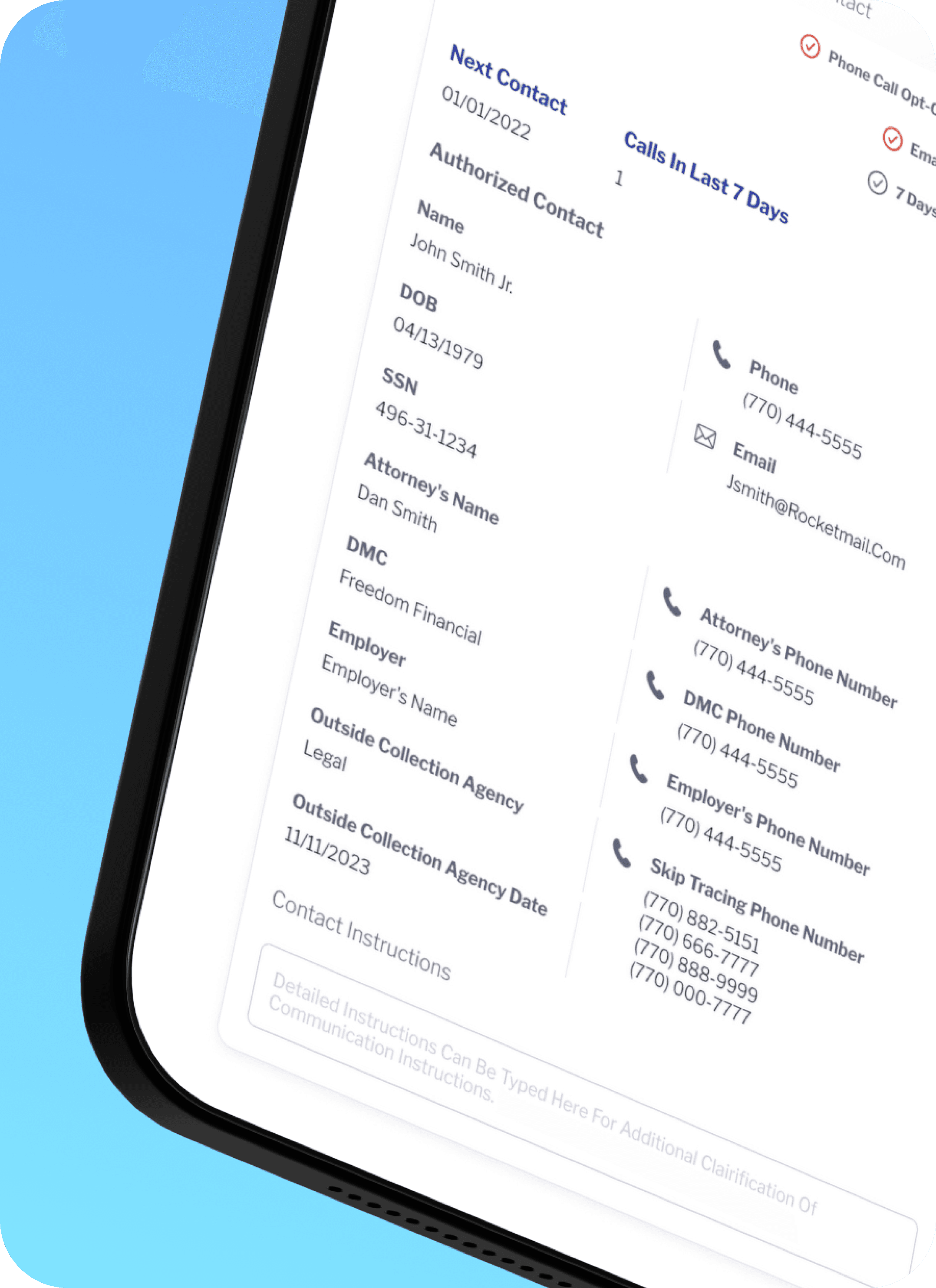
Loan Service Platform

Customer case managers were responsible for servicing complex loan accounts in a high-regulation environment, often while handling live customer calls. 

The existing tools exposed large volumes of financial data, balances, transactions, fees, promotions, reversals. The challenge wasn't lack of data, but cognitive overload, unclear hierarchy, and interaction patterns that slowed decision-making in moments where accuracy and speed were critical.

Customer case managers are the front line of the business. They take calls, resolve issues, explain balances, reverse transactions, set expectations, and make decisions that directly affect a client's financial reality. The platform had to support that responsibility without slowing them down.

OVERVIEW

The challenge wasn't lack of data.
It was cognitive overload.

OVERVIEW


The challenge wasn't lack of data.
It was cognitive overload.

Customer case managers were responsible for servicing complex loan accounts in a high-regulation environment, often while handling live customer calls. 

The existing tools exposed large volumes of financial data, balances, transactions, fees, promotions, reversals. The challenge wasn't lack of data, but cognitive overload, unclear hierarchy, and interaction patterns that slowed decision-making in moments where accuracy and speed were critical.

Customer case managers are the front line of the business. They take calls, resolve issues, explain balances, reverse transactions, set expectations, and make decisions that directly affect a client's financial reality. The platform had to support that responsibility without slowing them down.

APPROACH

Understanding the business before touching the UI.

Before designing interfaces, I had to deeply understand the terms, values, and mechanics behind them. Concepts like principal, interest, fees, reserves, promo balances, bust dates, reversals, accrual methods, and payment application rules aren't just labels, they're business logic.


A balance is never "just a balance." A payment is never "just a payment." This understanding was built through frequent working sessions with the Product Director and the Information Architecture team. Together, we reviewed flows, validated terminology, and pressure-tested edge cases until every interaction was intentional and defensible.

CONTRIBUTION

Controlled density. Tables as a primary interaction surface. State always visible.

Case managers don't explore data, they scan it. They jump between sections while on live calls, often under time pressure. The solution was a modular layout built around collapsible sections and clear active states. Tables needed to support sorting, filtering, inline editing, expandable rows, status signaling, and real-time feedback without breaking structure or readability.


The interface always made state visible. Nothing happened silently. Every change acknowledged the weight of the action. The visual foundation leveraged Bootstrap and Material Design for consistency and scalability, while most components, especially tables, status indicators, and data modules were custom designed.

OUTCOME

The platform enabled case managers to resolve issues faster, explain financial information more confidently, and take action without losing context.

Complex loan data became scannable, understandable, and trustworthy in live service scenarios. This product sits at the intersection of finance, compliance, and customer service. Every number has a reason. Every status has consequences. That reality shaped every design decision.

LendingPoint's Loan Service Platform
01

Hover states for every interactive field

Operatives always know where they are.

Every editable field, cell, and action responds to hover, reducing misclicks during live customer calls.

02

Progressive disclosure

Only reveal complexity when needed.

Advanced options stay hidden until they are relevant.

03

Keyboard-friendly workflows

Less mouse travel. Faster servicing.

Frequent actions require fewer interactions.

01

Hover states for every interactive field

Operatives always know where they are.

Every editable field, cell, and action responds to hover, reducing misclicks during live customer calls.

02

Progressive disclosure

Only reveal complexity when needed.

Advanced options stay hidden until they are relevant.

03

Keyboard-friendly workflows

Less mouse travel. Faster servicing.

Frequent actions require fewer interactions.